MF - Use either Door Sensor OR Autolock (OR neither if Slam-to-Lock)
MF Lock – Door Sensor, Autolock, and Slam-to-Lock Explained
Original HubSpot URL: https://learn.simpled.uk/mf-use-either-door-sensor-or-autolock-or-neither-if-slam-to-lock
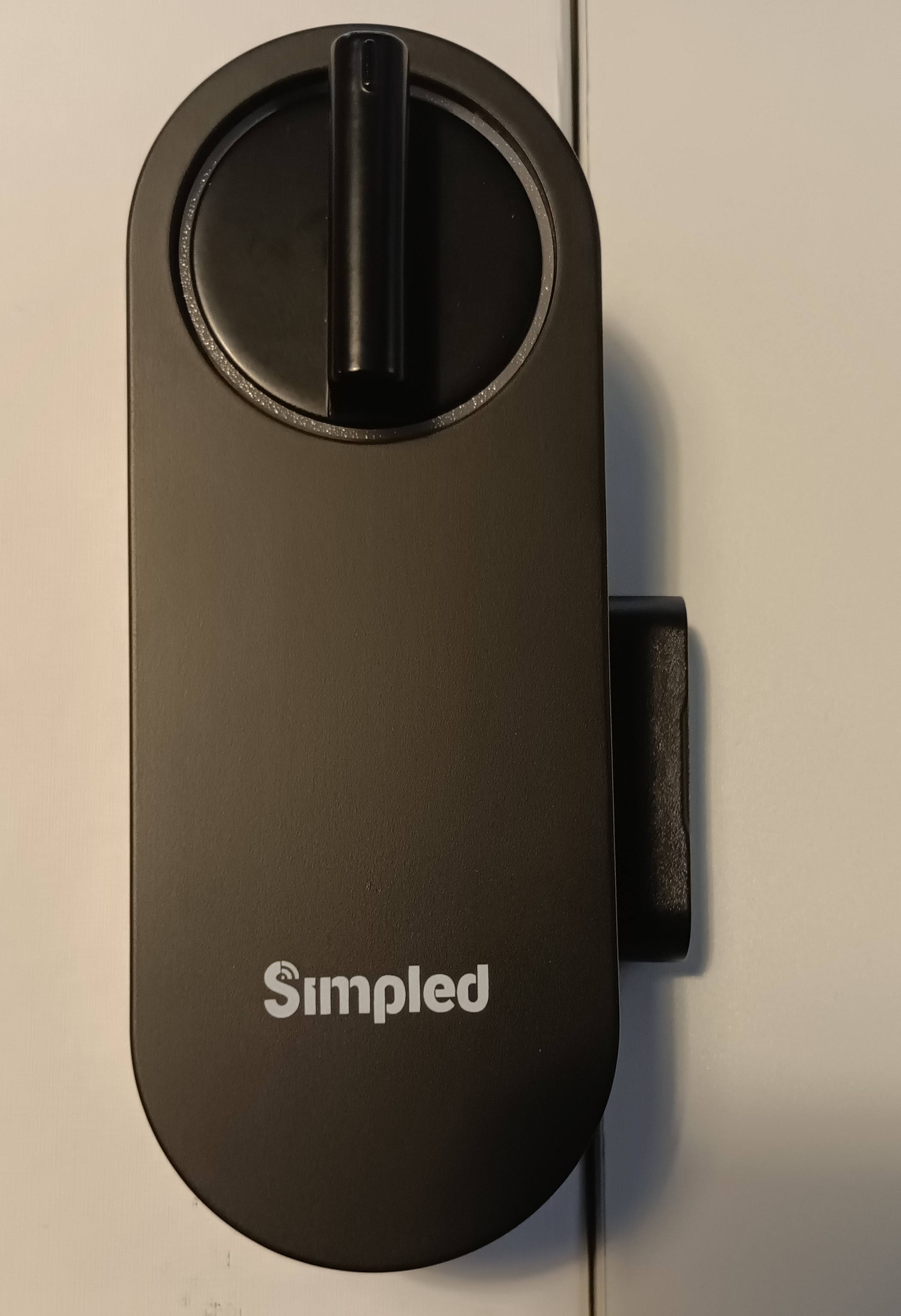
The MF lock can use either the Door Sensor or the Auto-lock feature to trigger locking; however, these two functions cannot be used simultaneously. If the door operates with a slam-to-lock mechanism, neither feature should be enabled.
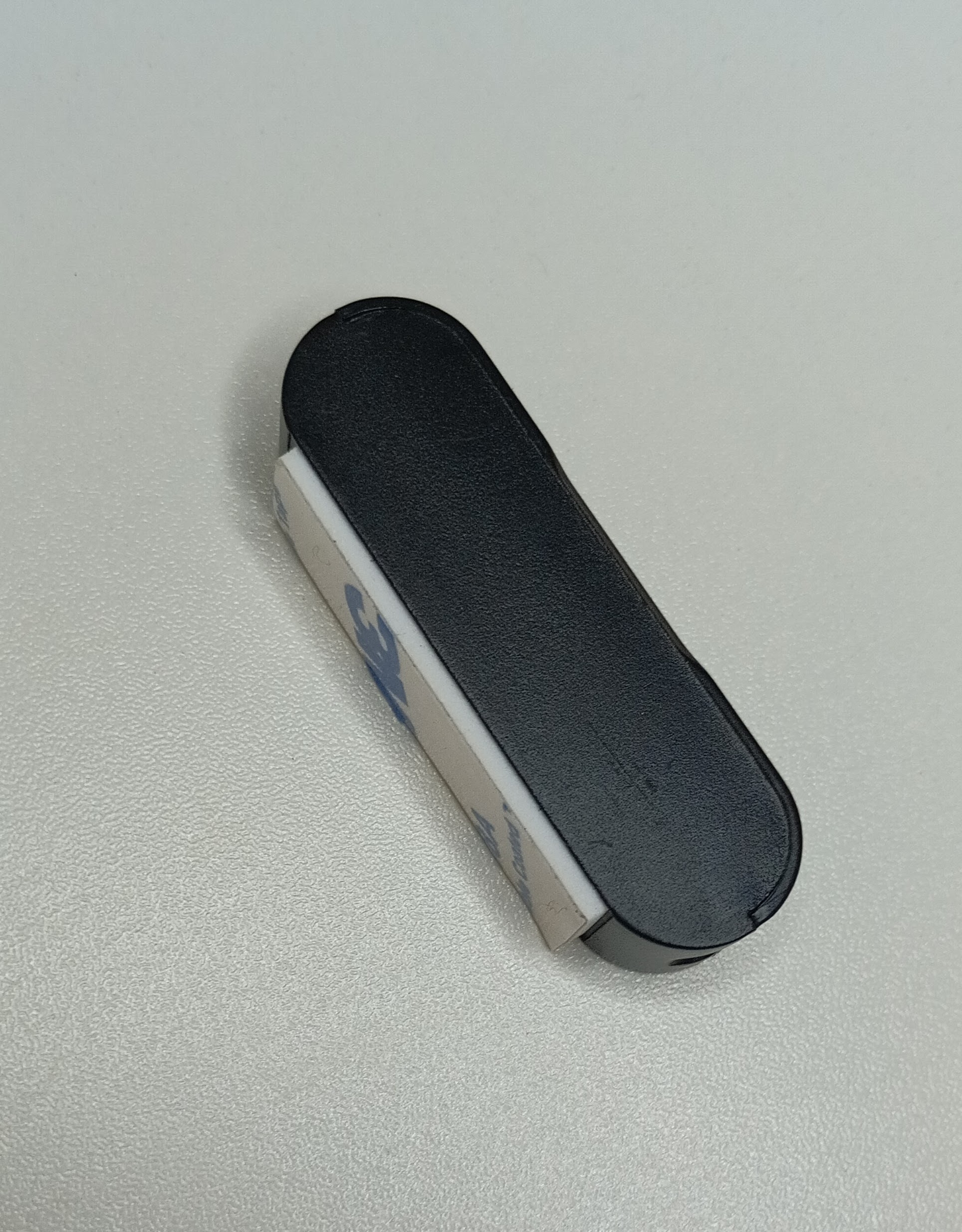
Door Sensor (Supplied with MF)
Magnetic sensor (not Bluetooth)
Does not need to be added to the app
Works on left- or right-hand doors
Note: Please disregard the separate “Door Sensors” icon in the app, as this refers to a different type of Bluetooth door sensor and not the magnetic sensor supplied with the MF model.
Autolock
Automatically re-locks the door after closing
Cannot be used at the same time as the Door Sensor
If using the Door Sensor, ensure Autolock is set to OFF in Lock Settings.
Slam-to-Lock Doors
For doors with a slam-to-lock mechanism (e.g. Winkhaus AV series):
The door locks mechanically when closed
Do not enable Autolock
Do not use the MF Door Sensor
Using either feature on slam-to-lock doors will cause issues.
Key Rule
✔ Use Door Sensor OR Autolock
✔ Or use neither for slam-to-lock doors
❌ Never use Door Sensor and Autolock together