New Leverline series manual and data specs
You can find the manual and data specs of the Leverline series (LF-SP/AF-SP) below
Original HubSpot URL: https://learn.simpled.uk/new-leverline-series-manual-and-data-specs
Product Overview:
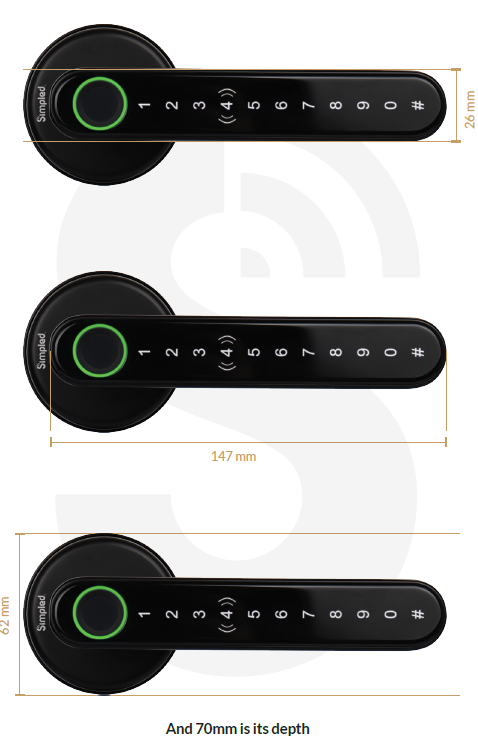
What's Included:
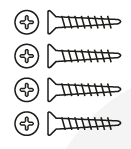
4x Mortise screws
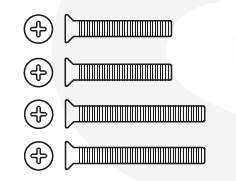
4x M5 screws
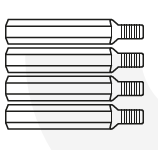
4x Screw stubs
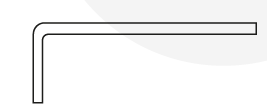
1x Allen key
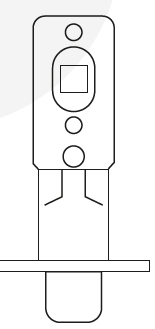
1x Mortice
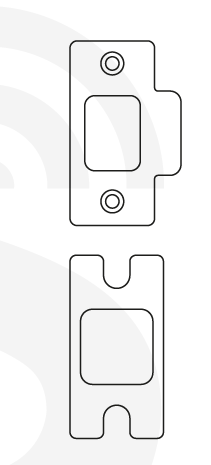
2x Strike plates
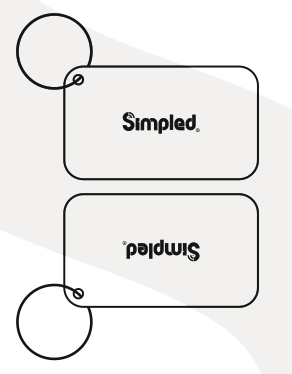
2x Proxy fobs
Screenshot 2025-01-07 at 16.24.54
1x Phone tag
Screenshot 2025-01-07 at 16.24.44-1
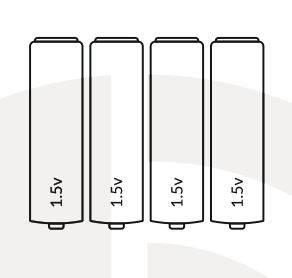
4x AAA Alkaline batteries 1.5V
Screenshot 2025-01-07 at 16.25.02
2x Physical keys
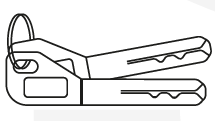
image-png-Jan-09-2025-04-24-03-2389-PM
Model | LF-SP (Black) AF-SP (Silver) |
Material | Zinc Alloy |
Weight | 1.2 Kg |
Unlocking methods | Smart Phone Apple Watch Fingerprint Passcode Proxy Fob / Phone Tag Emergency Key Alexa (needs gateway) Google Home (needs gateway) |
Colour | Black - Silver |
Low battery alarm | Less than 4.8 v |
Doors Applicable | Aluminum Door Wooden Door UPVC Door |
Working voltage | 6V/4 x AA Batteries “Do not use rechargeable AA batteries. Use high quality alkaline or Energizer Ultimate Lithium only.” |
Door Thickness | 35-50 mm |
Data capacity | Fingerprint: 100 RFID Cards (Fobs/Stickerrs): 200 Custom Passcode: 150 Auto-generated passcodes: Unlimited eKeys: Unlimited |
Working temperature and humidity | -10°C-55°C 0 to 95% |
Weatherproof outside panel | Yes |
Factory reset:
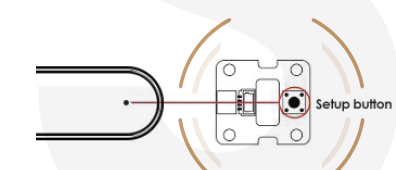
Option 1:
Press the back panel setup button for 5 seconds to restore the factory settings.
Option 2:
Open the TTLOCK app and choose the lock
Go to the "settings" and select "delete"
Type your TTLOCK password
Press # on the lock touchpad
**Notice:**The passcodes, fingerprints etc., will not be working after the reset. and the initial passcode would be "123456#".
Installation:
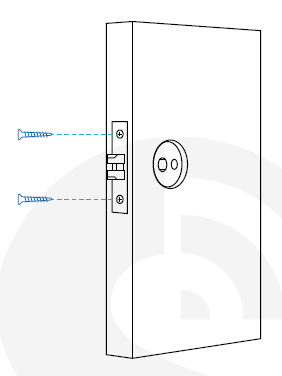
Step 1: Installing the mortice
Step 2: Mounting the stubs
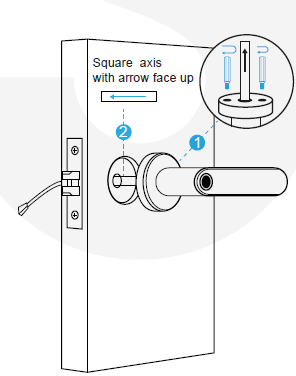
Install the screw stubs
Install the rubber gaskets
Step 3: Installing the back panel
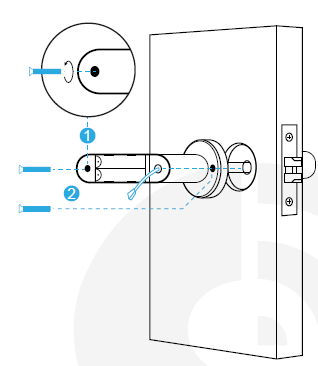
Unscrew the battery cover
Install the robber gasket
Mount the screw
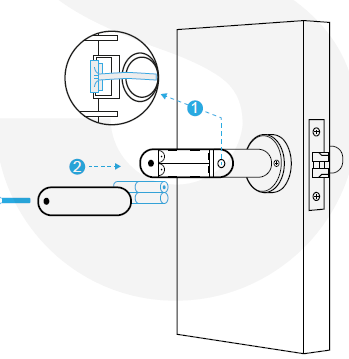
Step 4: Inserting the batteries
Tips:
Note: Simpled Smart Lock comes with an auto-lock feature. It means the spindle doesn't engage from the outside when pushing the handle downward unless you gain access with a fingerprint, passcode, etc.
Please don't use chemicals for cleaning as it may affect the guarantee. A soft, damp cloth is best for gently cleaning without scratching the surface.
To install the app, please use the link provided below:
https://kb2.simpled.uk/doc/simpled-app-manual-ZpkL0mkcrY