Simpled TP-SP Video Intercom Doorbell manual and data specs
You can find the manual and data specs of the TP Video Intercom Doorbell below:
Original HubSpot URL: https://learn.simpled.uk/simpled-tp-sp-manual-and-data-specs
Product Overview:
The TP-SP Smart Video Intercom Doorbell is equipped with a 200W HD camera and 6 infrared fill lights, supporting night vision HD monitoring and motion detection alerts, along with two-way audio communication.
Built-in with a high-performance WiFi/Bluetooth combo chip, it enables real-time remote video viewing and features Bluetooth gateway functionality (note: requires future firmware updates), allowing integration with smart lock devices to establish an intelligent security ecosystem.
For extended endurance, it includes two high-capacity lithium batteries and supports up to 128GB TF card storage, ensuring 24/7 home safety protection.
SPECIFICATIONS
Model: TP-SP
Material: Plastic
Dimensions: 135mm x 48mm x 32mm
Power Supply: 2 × 18650 Lithium Batteries
Charging port: Type-C USB
Resolution: 1920*1080@15fps;640*360@15fps;
Local Storage: Supports up to 128GB TF card
Operating Temperature: -10℃~45℃
What's included?
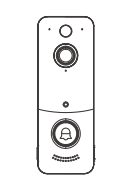
Screenshot (179)
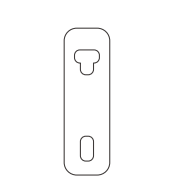
Screenshot (182)
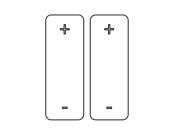
Screenshot (181)
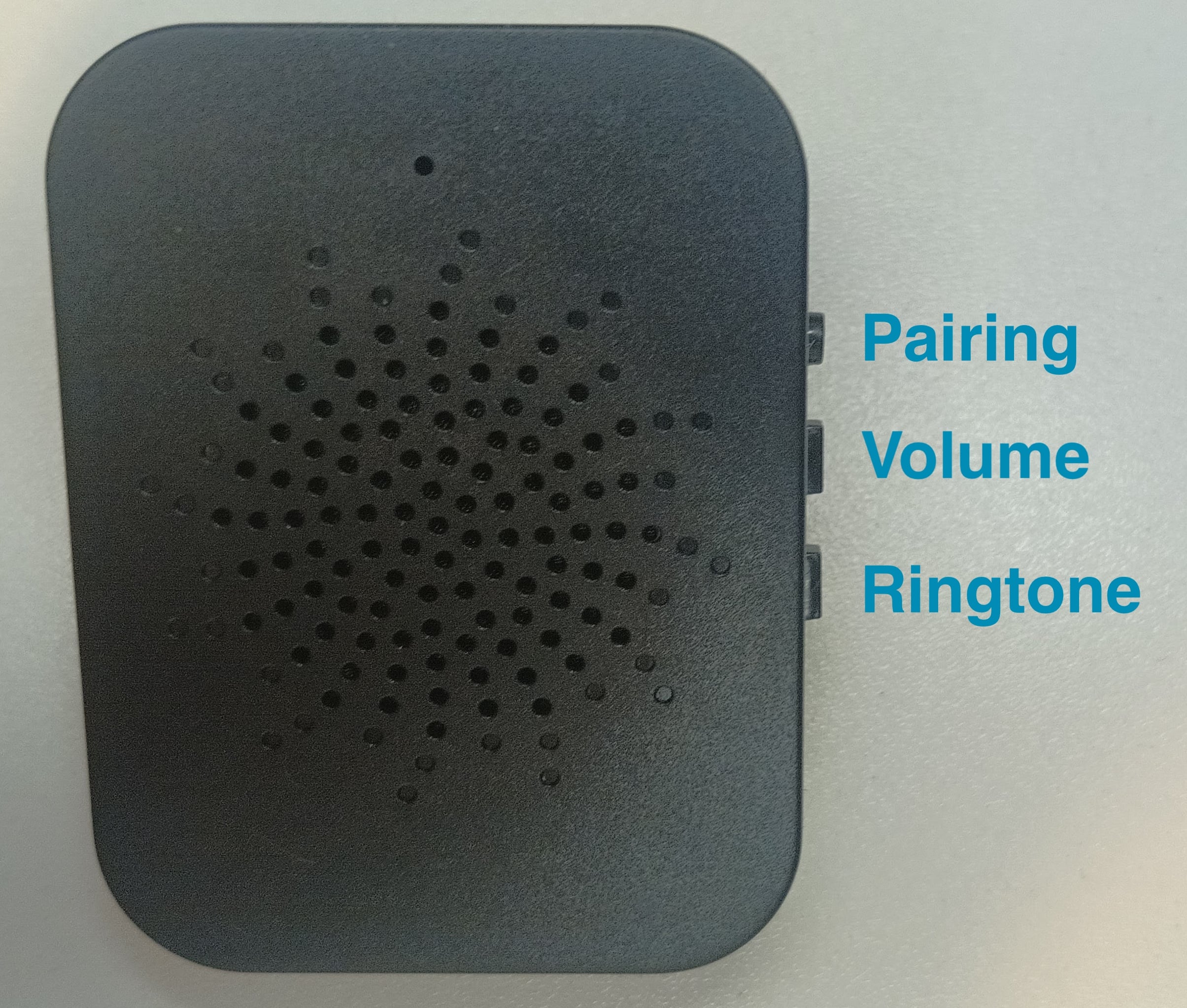
TP- USB Chime repeater
USB Repeater Chime ×1
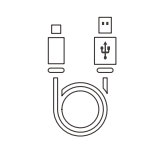
Screenshot (183)
Screenshot (178)
LAYOUT
To set up doorbell camera
Push the Reset button in (typically a paperclip will be needed)
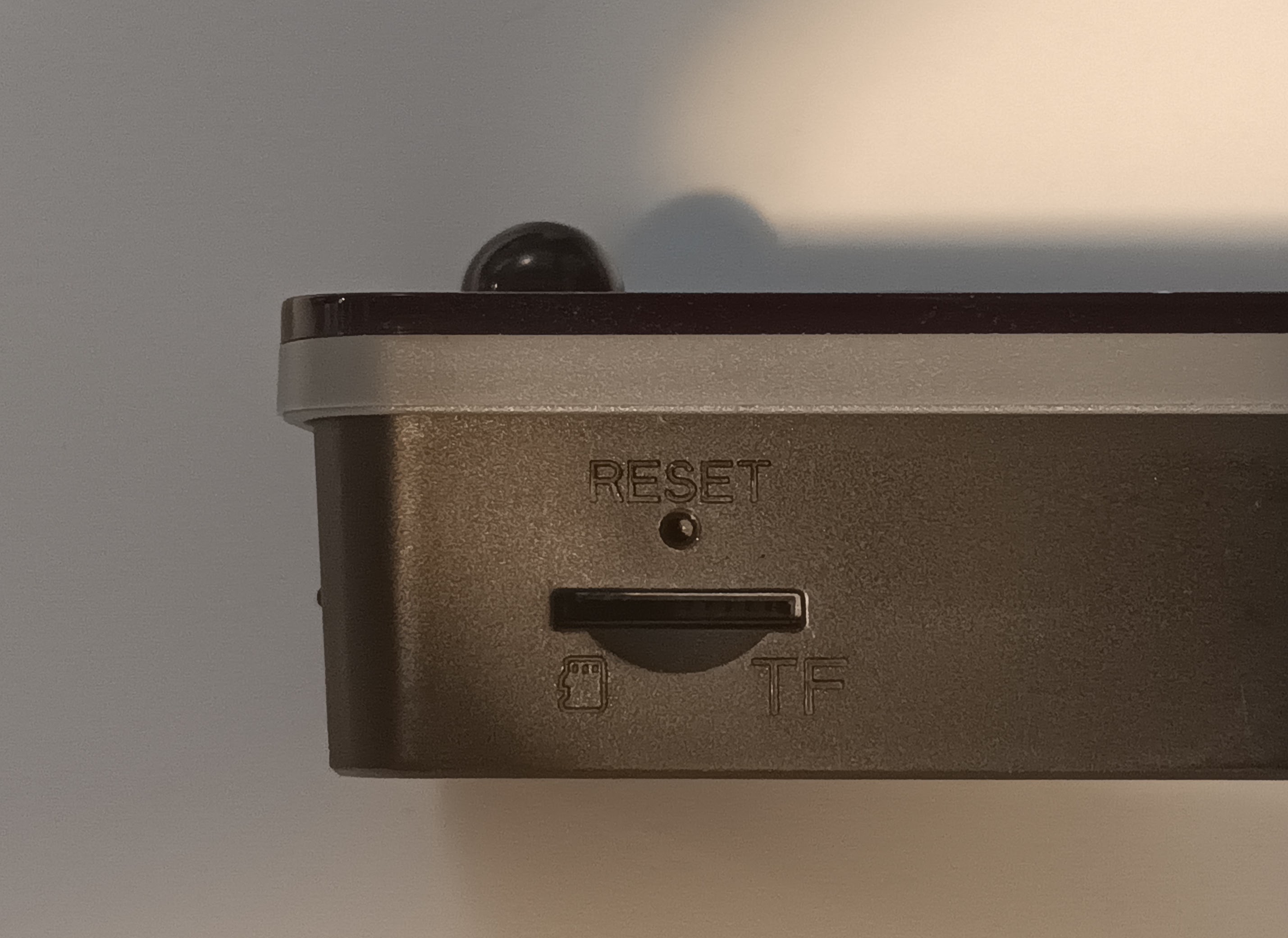
TP Camera - Factory Reset Button
DB2 Video Intercom

Setup, Indicator Lights & USB Chime Guide
1. Entering Configuration Mode
Before configuring the TP, make sure the device is switched on and within range of the device you are using for setup.
To enter Configuration Mode:
Start the configuration process according to the TP setup instructions.
The device will emit two short beeps.
The indicator light will begin flashing blue continuously.
The TP will remain in Configuration Mode until setup is completed or the configuration period expires.
Configuration timeout: approximately 3 minutes.
Important: If configuration is not completed within the timeout period, the TP will exit Configuration Mode automatically. Simply restart the configuration process if required.
2. Configuration Successful
When configuration has been completed successfully:
The TP will emit one long beep.
The indicator light will remain solid blue for approximately 2 seconds.
This confirms that the configuration has been completed successfully.
3. Configuration Timeout or Setup Failure
If configuration is unsuccessful or the setup period expires:
The DB2 will emit four short beeps.
The indicator light will switch off.
If this happens, check that:
The TP is switched on.
Your phone or other setup device is within range.
Bluetooth/Wi-Fi or any other required connection is enabled, as applicable.
The TP has sufficient battery charge.
You have followed the configuration steps in the correct order.
Then restart the configuration process.
4. Indicator Lights & Sound Alerts
The TP uses both audible alerts and indicator lights to provide information about its status.
Low Battery Warning
When the battery is running low:
The TP will emit four short beeps.
The red indicator light will flash four times.
What to do
Recharge the TP as soon as possible to prevent the battery from becoming completely depleted.
Doorbell Button Press
When the doorbell button on the TP is pressed:
The indicator light remains solid blue for approximately 2 seconds.
The built-in speaker plays the doorbell chime.
This indicates that the doorbell button has been activated.
5. Charging the TP
Connect the TP to a suitable USB power supply using the supplied or compatible charging cable.
Charging
While the battery is charging:
The indicator light is solid red.
There are no sound alerts during charging.
Fully Charged
When charging is complete:
The red indicator light switches off.
Note: The indicator light switching off indicates that charging has finished.
6. USB Repeater Chime
The optional USB repeater chime allows you to hear the doorbell from another location inside your property.
This can be particularly useful if the TP is installed at the front door and you would like an audible chime elsewhere in the house.
Installing the USB Repeater Chime
Plug the repeater chime into a powered USB port.
Place the chime within the effective wireless range of the TP.
As a general guide, the effective Bluetooth range can be up to approximately 15 metres, depending on the building and surrounding environment.
Press and hold the pairing button on the repeater chime for a few seconds.
The chime will automatically attempt to connect to the main TP unit.
Allow approximately 1–2 minutes for the pairing process to complete.
Testing the Chime
Once pairing has completed:
Press the doorbell button on the TP.
Check that the USB repeater chime sounds.
If the repeater chime does not respond:
Move it closer to the TP.
Avoid placing it behind thick walls, large metal objects or other potential sources of wireless interference.
Make sure the USB port is providing power.
Repeat the pairing process.
Wireless range can vary considerably depending on the construction of the property. Thick brick walls, reinforced concrete, metal doors and other obstacles can reduce the effective range.
Adjusting the Repeater Chime
The USB repeater chime has additional buttons for adjusting its settings.
Use the relevant buttons to:
Select your preferred doorbell ringtone.
Adjust the chime volume to a comfortable level.
We recommend testing the chime from the location where it will normally be used to ensure that the volume and wireless connection are suitable.
7. Quick Reference – Sounds & Indicator Lights
Status | Sound | Indicator |
|---|---|---|
Entering Configuration Mode | 2 short beeps | Blue flashing continuously |
Configuration Successful | 1 long beep | Solid blue for approx. 2 seconds |
Configuration Failed / Timed Out | 4 short beeps | Light switches off |
Low Battery | 4 short beeps | Red flashes 4 times |
Doorbell Button Pressed | Doorbell chime | Solid blue for approx. 2 seconds |
Charging | No sound | Solid red |
Charging Complete | No sound | Red light switches off |
Adding the Doorbell via the APP
Setting up the Smart App (TTLOCK):
Download the “TTlock App” from the App Store or Google Play by either
Scanning the QR code
Searching the “TTLock” app
Sign up for a TTlock account, and add Open the App and tap the 3-line in the top-left corner, in the dropdown menu, select [Camera]

Select [Add Camera]--→[DB2]

4. Activate the device by following the on-screen prompts, then tap [Next]

If the device cannot be added, reset the doorbell to factory setting.
*First install the power supply, then press the doorbell button once.
*Tap [Next] when doorbell emits two short beeps and the blue light blink
Tap the + icon next to the target device, proceed to configure the network, select the correct WiFi network, and enter the password.

Gateway Integrated
Enable Gateway: Turn on "gateway" in doorbell setting, select smart locks nearby under your same account, then you may remotely unlock from the lock device page.
Disable Gateway: You can manually disable the gateway in settings.
Note: Gateway function is only available in "Live View Mode", It will automatically turn off in "Power Saving Mode" and smart lock control is disabled. Please choose the operating mode carefully based on your needs.

Mounting Instructions
Method ①
Non-Smooth Surfaces: First drill holes, then fix the mounting bracket with wall anchors and screws. Insert the doorbell host and secure it by tightening the tamper-proof screw.

Method ②
Smooth Surfaces: Attach the mounting bracket using the adhesive strips. Insert the doorbell host, then secure it by tightening the tamper-proof screw.
Charging & Battery Replacement
For products with optional batteries, remove the battery insulating sticker before initial use.

Insert/Remove the 18650 Battery: Ensure the positive terminal faces upward (as shown in the diagram).

Charging: Connect the device to a USB charger via the Type-C USB cable. Full charging takes approximately 4 hours.

*The device does not support fast charging. It is recommended to use a 5V/2A adapter to charge the doorbell.
TF Card Installation & Factory Reset
Installing the TF Card 
TF card capacity must not exceed 128GB.
Insert the card into the side slot, ensuring correct orientation.
The TF card needs to be purchased by the user.
Factory Reset Reset
Open the device cover, locate the reset hole, and press for 3 seconds.
Reset is complete when the doorbell emits two short beeps and the blue light blinks.
Indoor Chime Pairing

Ensure that the doorbell host has been configured and added via the app, and the indoor chime is connected to a power source.
Press the indoor Chime pairing button, and the blue light on the device will flash to enter pairing mode.
Press the button on the doorbell host. When the doorbell emits a sound, the indoor chime will receive the pairing signal and play a melody, confirming a successful pairing.
Troubleshooting
The TP will not enter Configuration Mode
Check that the device has sufficient battery charge and is switched on. Restart the configuration process and make sure your phone or setup device is within range.
Configuration keeps failing
Make sure the TP remains within range throughout the setup process. Configuration Mode has a default timeout of approximately 3 minutes. If the process is not completed within this period, restart the configuration.
The TP gives four short beeps
Four short beeps can indicate either a configuration failure/timeout or a low-battery warning. Check the indicator light:
Red light flashing four times: low battery.
Indicator light switches off: configuration failure or timeout.
The USB repeater chime does not work
First, check that the chime is connected to a powered USB port. Then move it closer to the TP and repeat the pairing process. Allow 1–2 minutes for the chime to establish the connection.
The repeater works near the TP but not in its final location
This is usually caused by the wireless signal being weakened by distance or obstacles. Try moving the repeater to a different position. Brick walls, concrete, metal structures and other obstructions can significantly reduce wireless range.
Important Notes
Wireless range is affected by the layout and construction of your property and may be less than the maximum stated range.
Keep the TP adequately charged to ensure reliable operation.
If the device does not respond as expected, restart the relevant setup or pairing procedure before contacting support.
Keep the installation and operating instructions for future reference.