SS-BB – Matter and Alexa Connectivity
How to Connect Your SS-BB Lock to Alexa and Enable Remote Unlock
Original HubSpot URL: https://learn.simpled.uk/ss-bb-matter-and-alexa-connectivity-
The SS-BB smart lock supports Matter connectivity and can be linked to Amazon Alexa for remote control and voice commands.
To connect the lock to Alexa, the lock must first be fully set up in the smart lock app, and certain settings must be enabled.
Before You Start
Make sure:
The lock is added and working in your smart lock app
The lock is connected to your network
You know the login details for your smart lock account
If the lock is not working in the app first, Alexa will not be able to find it.
Enable Remote Unlock in the Lock Settings
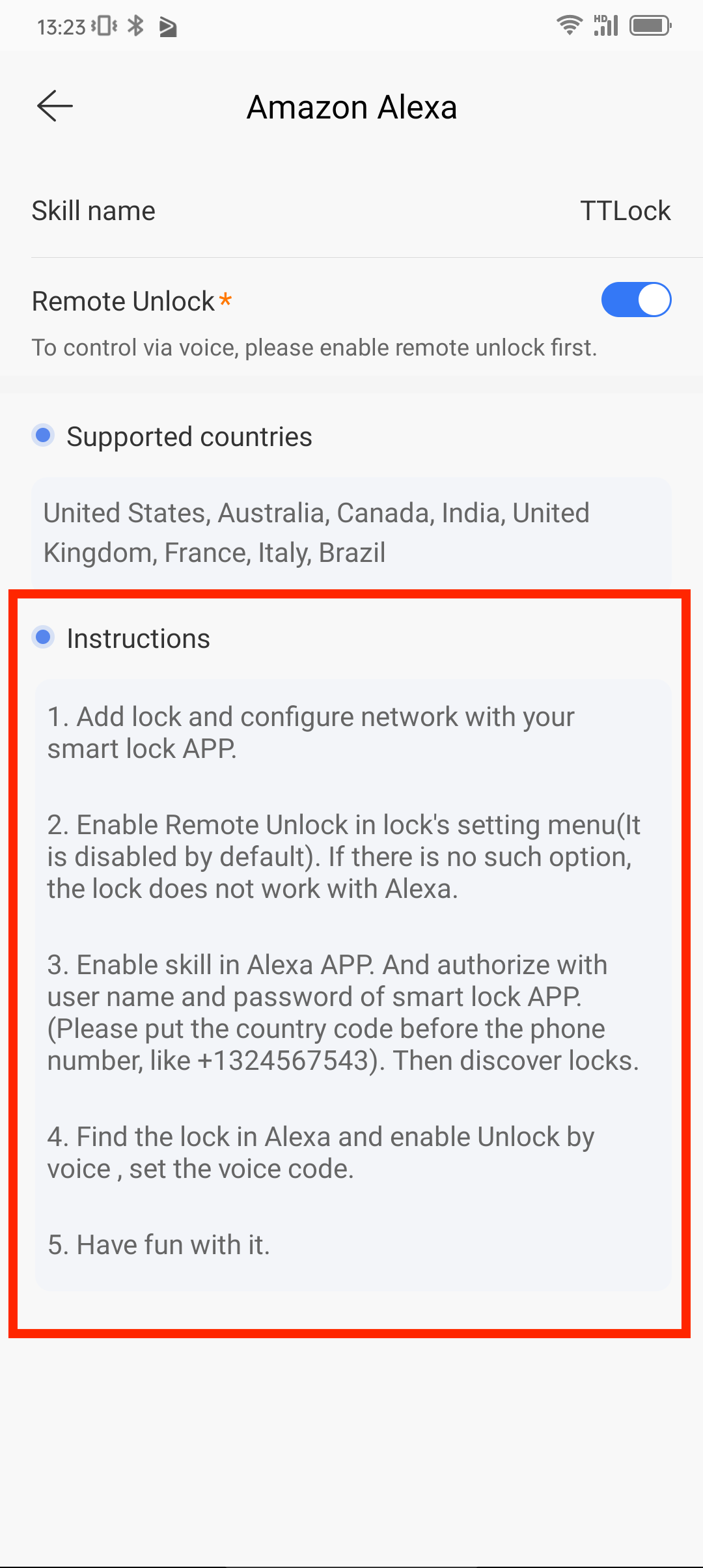
Alexa requires Remote Unlock to be enabled.
Open the smart lock app
Select the lock
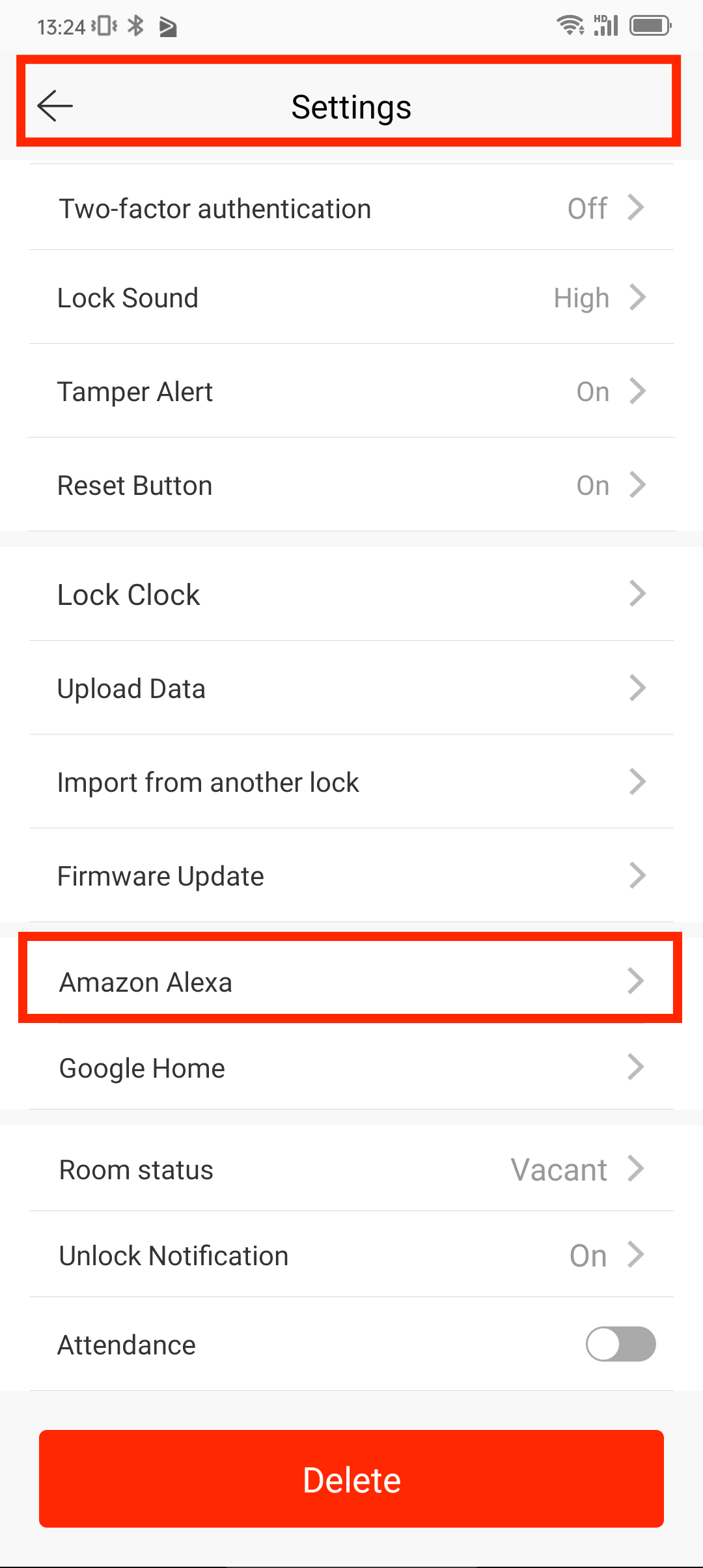
Open Lock Settings (not the overall app settings)
Turn Remote Unlock = ON
Important:
This option is disabled by default
If you do not see this option, the lock does not work with Alexa
Link the Lock to Alexa
Enable skill in the Alexa APP
Log in using your smart lock app username and password
Put the country code before the phone number (like +1324567543). Then discover locks.
Find the lock in Alexa and enable Unlock by voice
Set your voice unlock code