Step-by-Step Guide for Using the Simpled WiFi Bridge (TG-SP)
The Simpled TG-SP WiFi Bridge enhances your smart home system by enabling remote access to your smart lock via WiFi. This guide provides detailed instructions for installation, pairing, and troubleshooting.
Original HubSpot URL: https://learn.simpled.uk/step-by-step-guide-for-using-the-simpled-wifi-bridge-tg-sp
Specifications
Model: TG-SP
Dimensions: 70mm x 70mm x 26mm
Network: WiFi 2.4GHz
IEEE Standard: 802.11b/g/n
Power Interface: Type-C USB
Power Input: 5V / 500mA
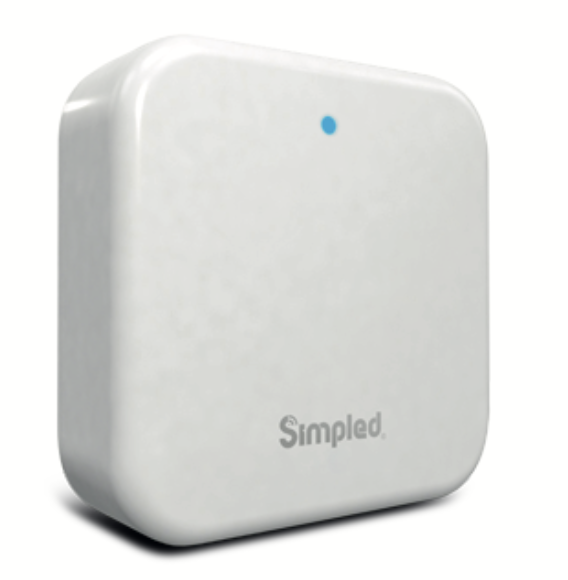
Screenshot 2025-01-06 at 16.41.13
Light Status Indicators
Flashing Red/Blue: Standby Mode (Ready to Pair)
Blue Light: Normal Mode (Connected to Network)
Red Light: Network Failure
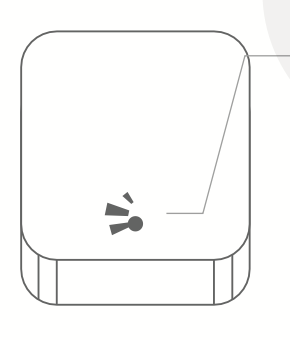
Screenshot 2025-01-06 at 16.42.02
4. Pairing the Gateway with the App
Steps to Connect:
Prepare the App:
Open the Simpled app on your smartphone.
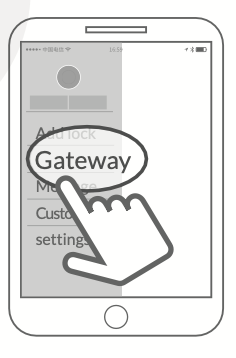
Tap the
≡icon in the top left corner of the screen.Select
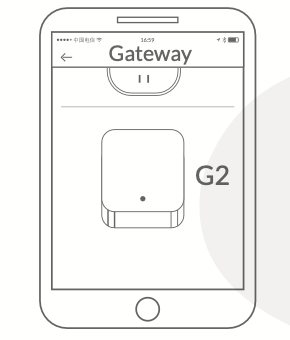
Gateway, then chooseG2.
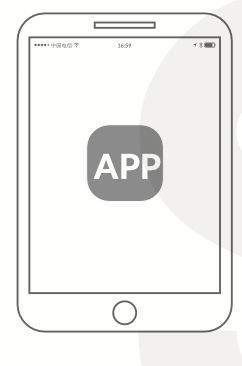
Screenshot 2025-01-06 at 16.46.12
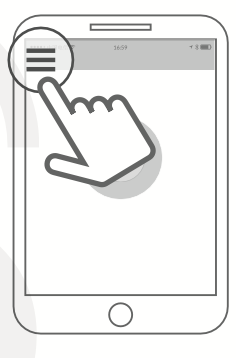
Screenshot 2025-01-06 at 16.46.21
Screenshot 2025-01-06 at 16.46.26
Screenshot 2025-01-06 at 16.45.37
Power On the Gateway:
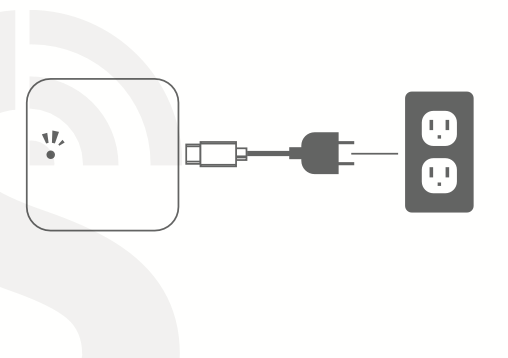
Plug the gateway into a power source using the Type-C USB cable.
Ensure the light on the gateway flashes red and blue alternately (standby mode).
Screenshot 2025-01-06 at 16.50.03
Initiate Pairing:
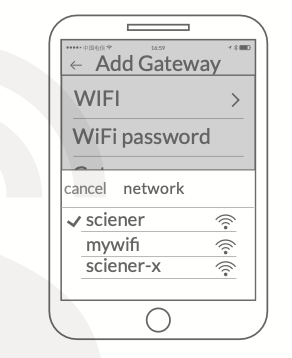
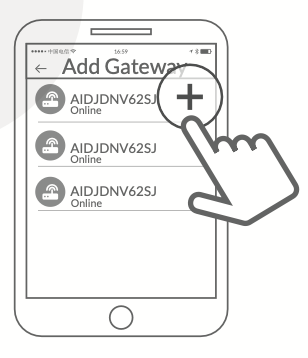
In the app, tap the
+icon to add a new device.Select your WiFi network and input your WiFi password.
Screenshot 2025-01-06 at 16.52.16
Screenshot 2025-01-06 at 16.50.33
Complete the Process:
Follow the prompts in the app to finalize the connection.
Once the gateway is paired, the light will turn blue (normal mode).
Note:
If the pairing process times out:
Power off the gateway.
Restart the process from Step 2.
Warranty and Support
Warranty:
60-day return policy.
Two years of free repair for defects in materials or workmanship.
Support:
Email: [email protected]
Visit: Simpled Support
Useful Information:
The Benefits of a Wi-Fi Bridge
Using one Wi-Fi Bridge for multiple smart locks
Sharing code remotely anywhere in the world
Setting the Gateway to a new network